
Free online · Chrome extension
A timer that floats on top of everything
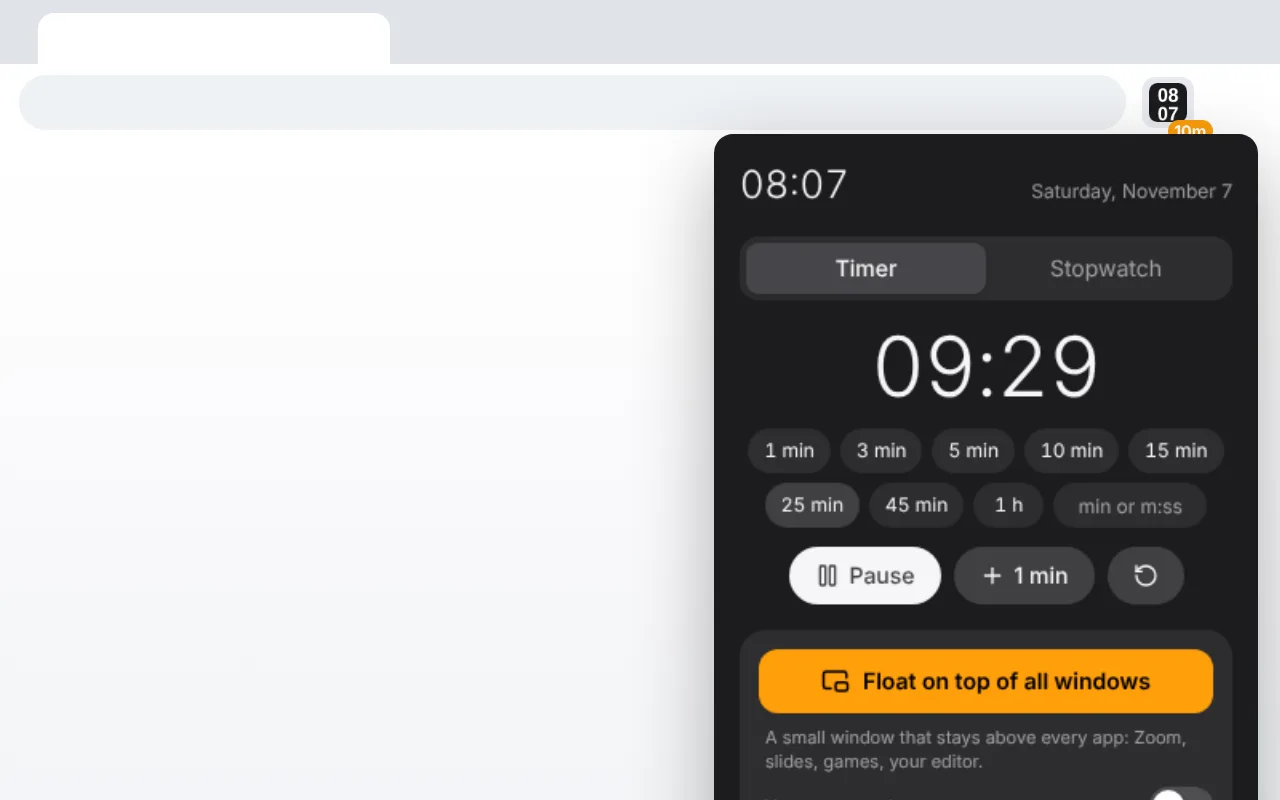
Start a timer or a stopwatch right here and float it: a small window stays above every app, even when you switch to Zoom or your slides.
The extension does even more
The time and the minutes left on the toolbar icon, and a see-through clock with your timer on the web pages you open, even over fullscreen video. No need to keep this page open.
Chrome and Edge. No ads, no account.
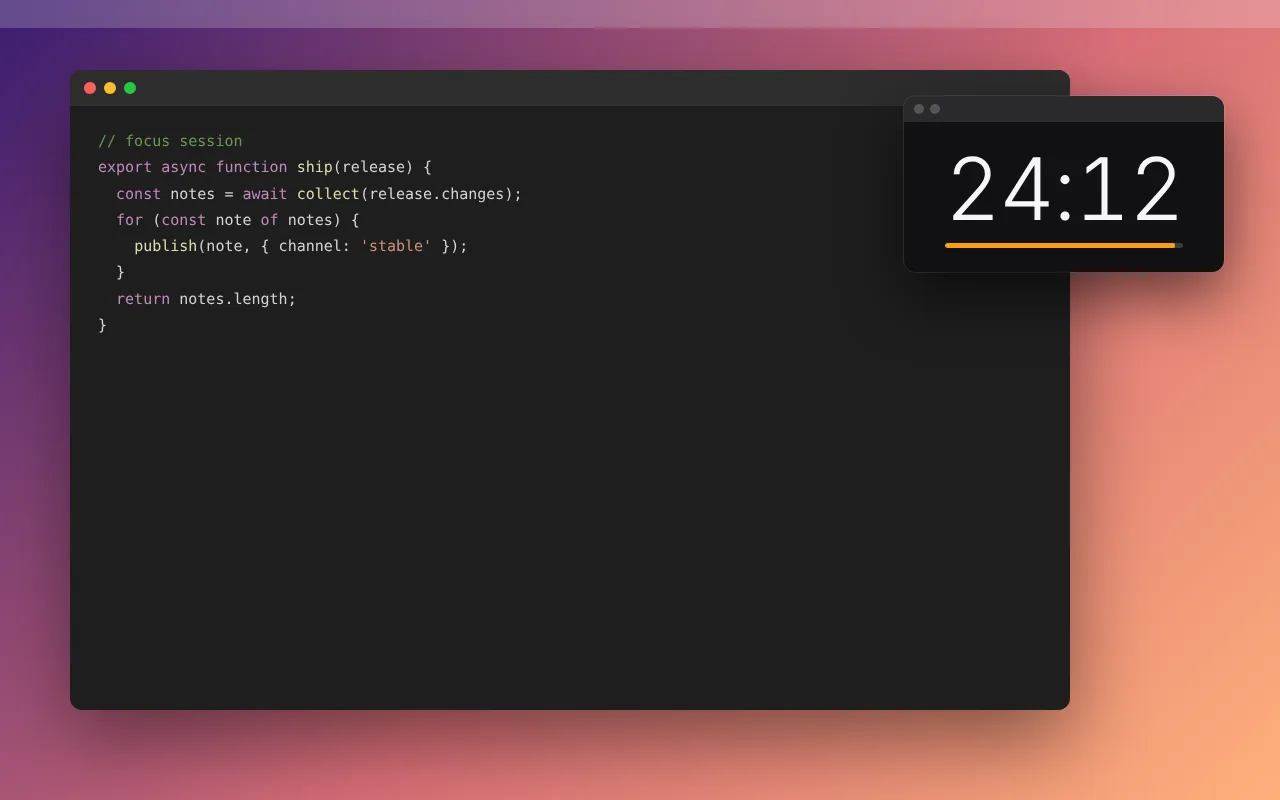
Always on top of all windows
A small timer window that stays above Zoom, slides, games and your editor, even outside the browser. Resize it and the digits follow.
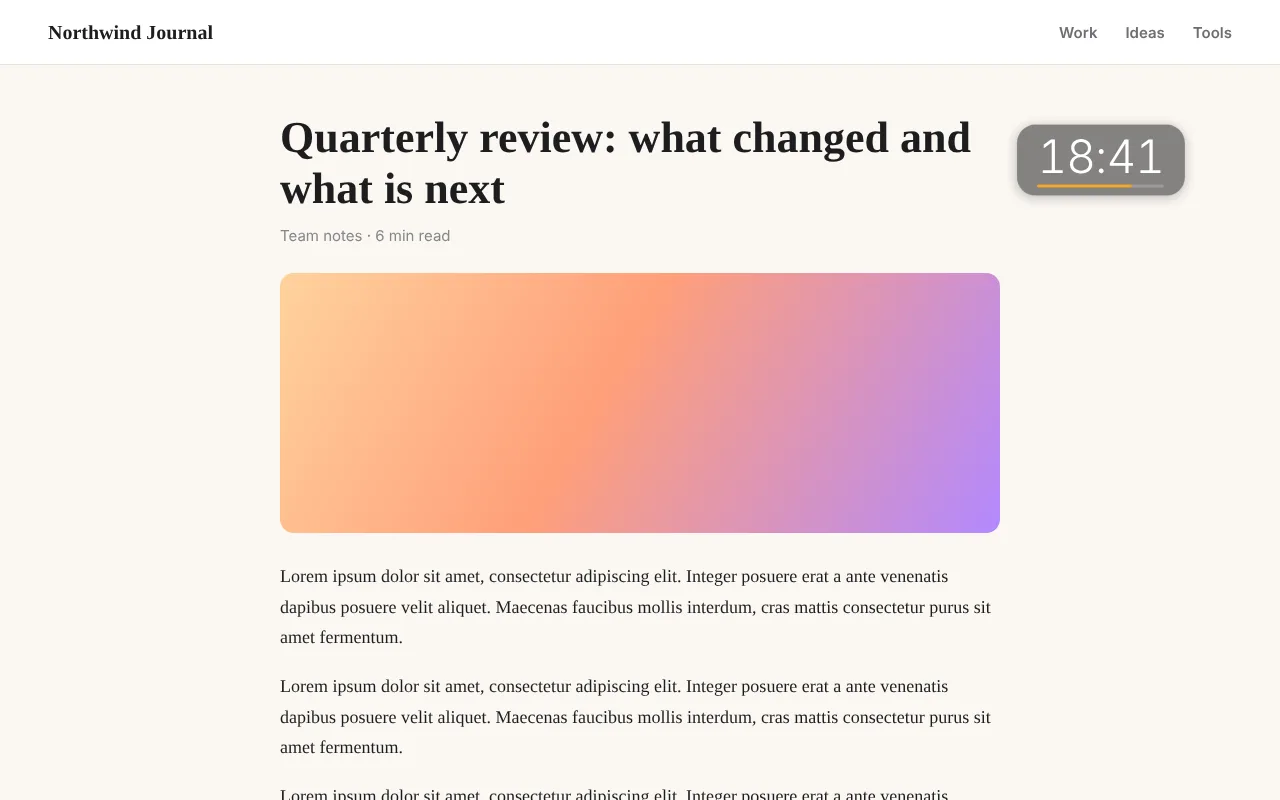
A clock overlay on web pages
A transparent, click-through clock over the pages you open (Chrome keeps extensions off its own pages and the Web Store). Hold Shift over it to drag it anywhere or resize it.
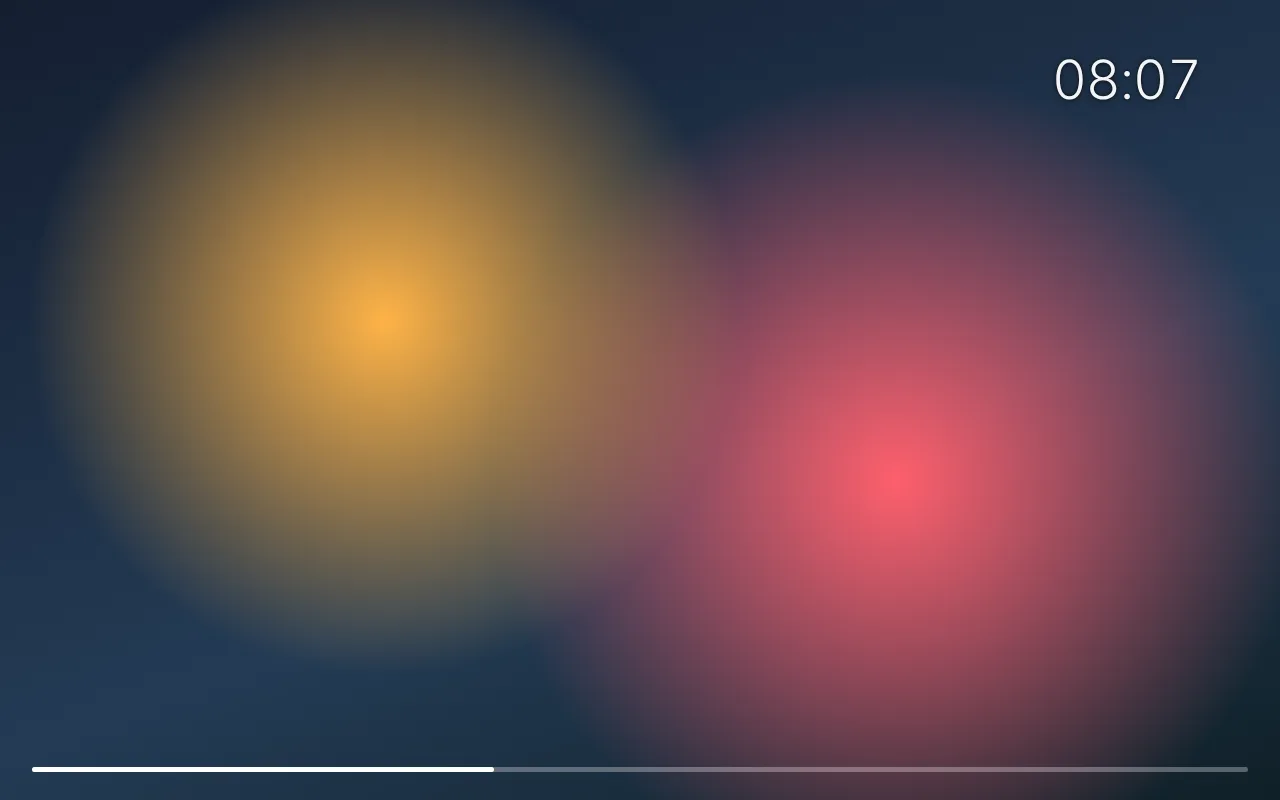
Visible over fullscreen video
The overlay stays on top when a video goes fullscreen, so you never lose track of time.
Time on the toolbar icon
The icon shows the current time, the badge shows the minutes left. Presets from 1 to 60 minutes in one click.
Questions
How do I keep a timer on top of other windows?
Right on this page: start a timer and press "Float on top of all windows". A small window opens and stays above every other window until you close it. With the extension you can do the same from the toolbar icon on any page.
Do I need to install anything?
No. The floating timer works on this page in Chrome and Edge 116 or newer; just keep the tab open. The extension adds the time on the toolbar icon and a clock on the web pages you open.
Does it work outside the browser?
Yes. The floating window uses Chrome’s Picture-in-Picture, so it stays on top of any app: video calls, presentations, games.
Why does it ask for access to websites?
To show the widget over the pages you open. The extension never reads or sends page content. To hide the widget, turn off "Show on web pages" in the popup.
Does the timer ring if all windows are closed?
Yes. A soft chime plays when time is up and the toolbar icon turns red.
Does it work in Firefox?
Not yet. The always-on-top window needs Chrome or Edge 116 or newer.
Want a big clock on every new tab too?
Clock Tab turns every new tab into a fullscreen clock with a timer, stopwatch and world clocks.
Clock Tab →